Share to saveSend posts straight to Scrib
✦ Built for the things worth keeping
Save it.
Keep
scrolling.
Share a post to Scrib and let it save in the background. Your videos, sounds, images and favorite moments stay with you.
Official Scrib build
Build 10
01ANDROID BETA
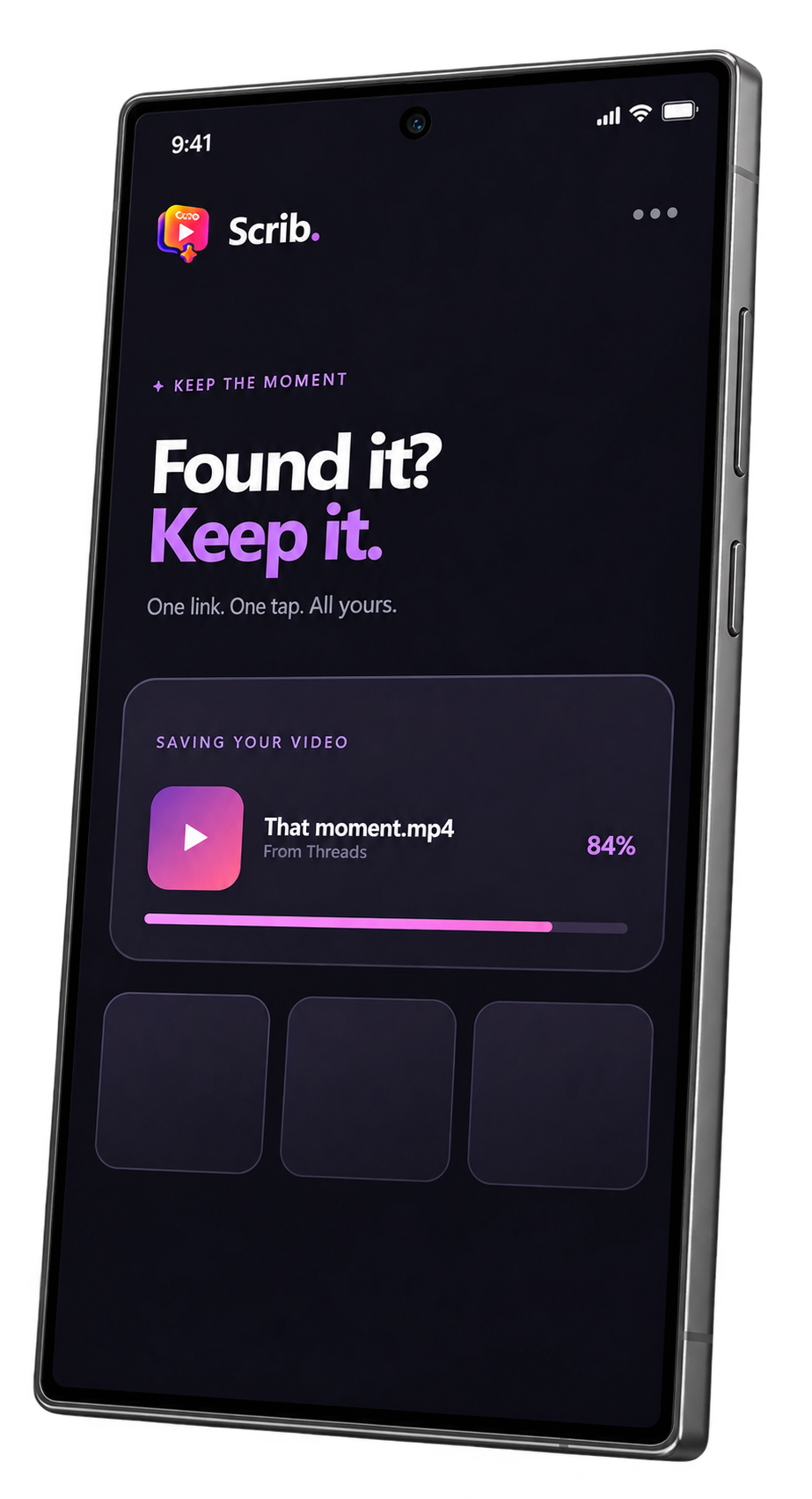
01 Share02 Save03 Keep scrolling
Stay in your appFollow progress from the bubble
Play it your wayVideo, audio and image preview
Statuses, keptWhatsApp and Business on Android
✦ Effortless by design
Less switching.
More keeping.
Scrib works around what you are already doing, with controls that stay close and disappear when the job is done.
01
Share. Scrib handles the rest.
Use the Share button in a supported app. With quick save enabled, Scrib starts immediately using your preferred quality.
02
A tiny bubble. Full control.
Drag it, resize it, adjust opacity, or turn it into a discreet dot.
03
The right format, first.
Scrib detects the shared media and keeps irrelevant choices out of the way.
✦ Start testing in a minute
Three steps.
Then just share.
This beta installs directly while Scrib prepares for Google Play.
Download the APKTap the purple download button on this page.
Allow this installationIf Android asks, allow your browser to install this app.
Open ScribFollow the short permission guide, then share a public post to test.
Scrib for AndroidPublic beta
1.5.4- Package
- app.scrib.downloader
- Minimum
- Android 7.0
- Build
- 10
- Size
- 108.5 MB
SHA-256
2F0FFFC50A00559E9939F61164A59DD7D09516E81A2B7FA83E1DACE4227998D6
✦ This is only the beginning
Store launch.
Coming soon.
The Android beta is available today. Scrib is being prepared for Google Play and the Apple App Store.
COMING SOON
COMING SOON
✦Found it?
Found it?
Keep it.
Download the latest Android beta and help shape Scrib before launch.